Annapurna Bhandar Yojana Application Rejected?
If you checked your Annapurna Bhandar Yojana status on the official portal and it shows “Rejected,” don’t panic. A rejection is not the end of the road — it simply means the form needs a correction or a re-submission. Thousands of women across West Bengal have seen this status, and most cases can still be fixed within the current application window.
Here’s a clear, step-by-step guide on what to do next.
Step 1: Don’t Ignore the Status — Act Immediately
The moment your application shows as rejected, treat it as urgent. Delaying action only reduces the time left for correction, especially since the enrolment window is limited. The sooner you act, the sooner your name can be added to the beneficiary list.
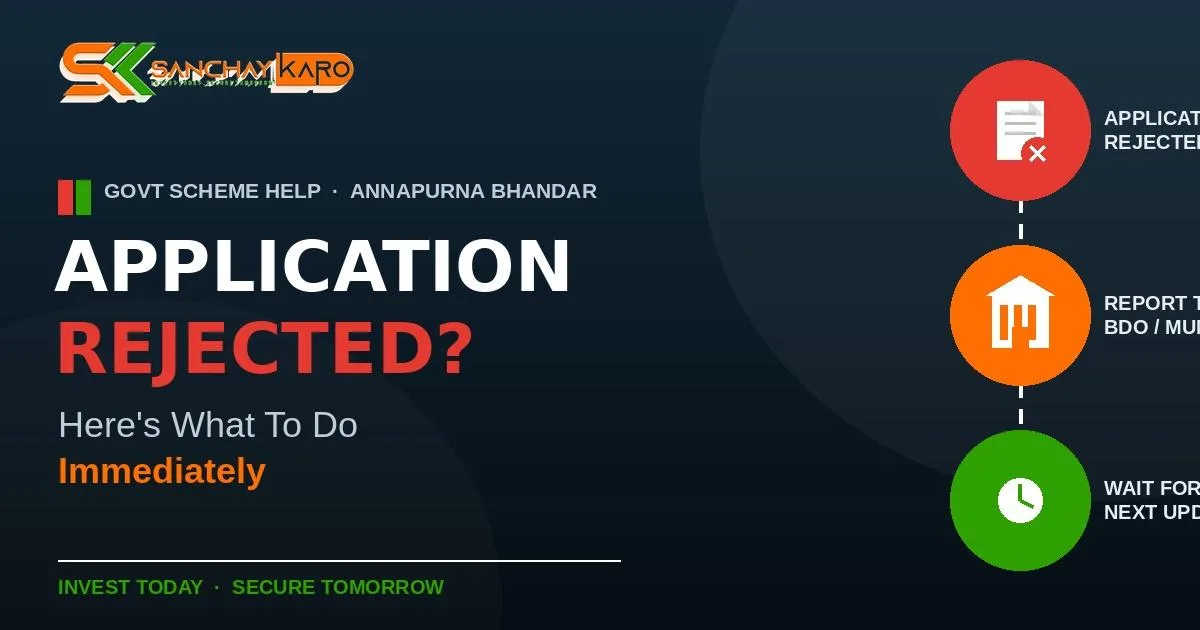
Step 2: Report to Your Nearest BDO Office or Municipality
This is the single most important step.
- If you live in a rural area, go to your nearest Block Development Office (BDO).
- If you live in an urban area, visit your local Municipality or Municipal Corporation office.
Carry your application reference number (or acknowledgement slip), Aadhaar card, and any supporting documents (bank passbook, address proof, voter ID) with you. The staff at these offices can look up your application, tell you the exact reason for rejection, and guide you on the correction form.
Most rejections happen for simple, fixable reasons such as:
- Mismatched information between different sections of the form (for example, a different address in one section versus another)
- Aadhaar not linked or “seeded” with your bank account for DBT payments
- Incomplete or unclear documents submitted at the time of application
- Data mismatch with existing records (such as your previous Lakshmir Bhandar details)
The BDO or municipal office is authorised to accept a correction application and re-verify your details — this cannot be done by yourself on the portal once the form is submitted.
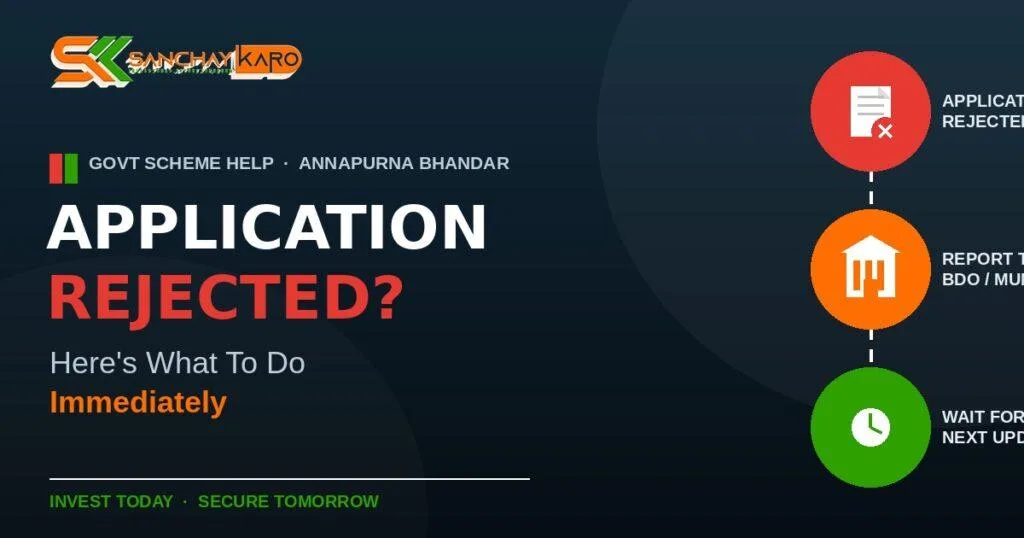
Step 3: If the Website Doesn’t Show a Correction Option Yet — Wait for the Next Update
Many applicants have noticed that the official website currently does not show a direct “correction” or “edit” button for rejected applications. This is a known, temporary limitation of the portal — it does not mean your case is closed.
In this situation:
- Do not resubmit a brand-new application repeatedly, as this can create duplicate entries and cause further confusion.
- Keep your acknowledgement receipt and BDO/municipality visit record safe.
- Check the official portal periodically, as correction and edit options are typically added in phases as the verification drive progresses.
- Continue to follow up with your BDO/municipality office in the meantime — they can process manual corrections even before the online option becomes available.
Step 4: Re-check Your Status After a Few Days
After visiting the BDO or municipal office and submitting your correction request, wait a few working days and check your status again on the official portal using your application reference number and registered mobile number. If your status has changed or if the correction option has appeared online, complete the process before the enrolment window closes.
Quick Checklist
| What to do | Why it matters |
|---|---|
| Visit nearest BDO / Municipality office immediately | Only they can process a correction for a submitted application |
| Carry reference number, Aadhaar, bank passbook, address proof | Needed to verify and correct your record |
| Check DBT Link Status | Some time DBT system not tigger properly |
| Avoid submitting a duplicate new application | Can delay or complicate your case |
| Keep checking the official portal | Correction option may be added in a future update |
In Short: Turn Your ₹3,000 Into Long-Term Savings
Once your Annapurna Bhandar application is approved and the ₹3,000 starts coming in every month, consider not spending all of it right away. Even putting away a part of it — say ₹1,000–₹3,000 a month — into a SIP (Systematic Investment Plan) through Sanchay Karo can help you build a real financial cushion over time.
Equity mutual fund SIPs in India have historically delivered an average return of around 14% per year over a 10-year period (based on long-term category averages). For example, a ₹3,000 monthly SIP at a 14% average annual return could grow to approximately ₹8.6–8.7 lakh over 10 years, against a total investment of ₹3.6 lakh — though the actual outcome depends on market performance during your investment period.
If your Annapurna Bhandar application is rejected:
- Report immediately to your nearest BDO office or municipality — don’t wait. Can also Complain in CMO portal
- If the official website doesn’t show a correction option, that’s a temporary gap — it will likely be added in an upcoming update.
- Keep your documents ready and follow up regularly until your status is resolved.
This post is for general guidance only. For the most accurate and case-specific information, always confirm details with your local BDO/municipality office or the official Annapurna Bhandar Yojana portal.